
FEATURES
Parametric modeling tools.
Create constrained sketches, build solid features, and edit them in the timeline. Assemble components and import or export designs in the formats listed below.
01 / SKETCHING
Sketches, dimensions,
and constraints.
Draw a profile and add dimensions. Use constraints to keep lines parallel, connect endpoints, or control angles.
- Lines, arcs, circles, splines, and construction geometry.
- Dimensional and geometric constraints, with solver feedback.
- Sketches on origin planes, offset planes, or supported planar faces.
02 / SOLID MODELING
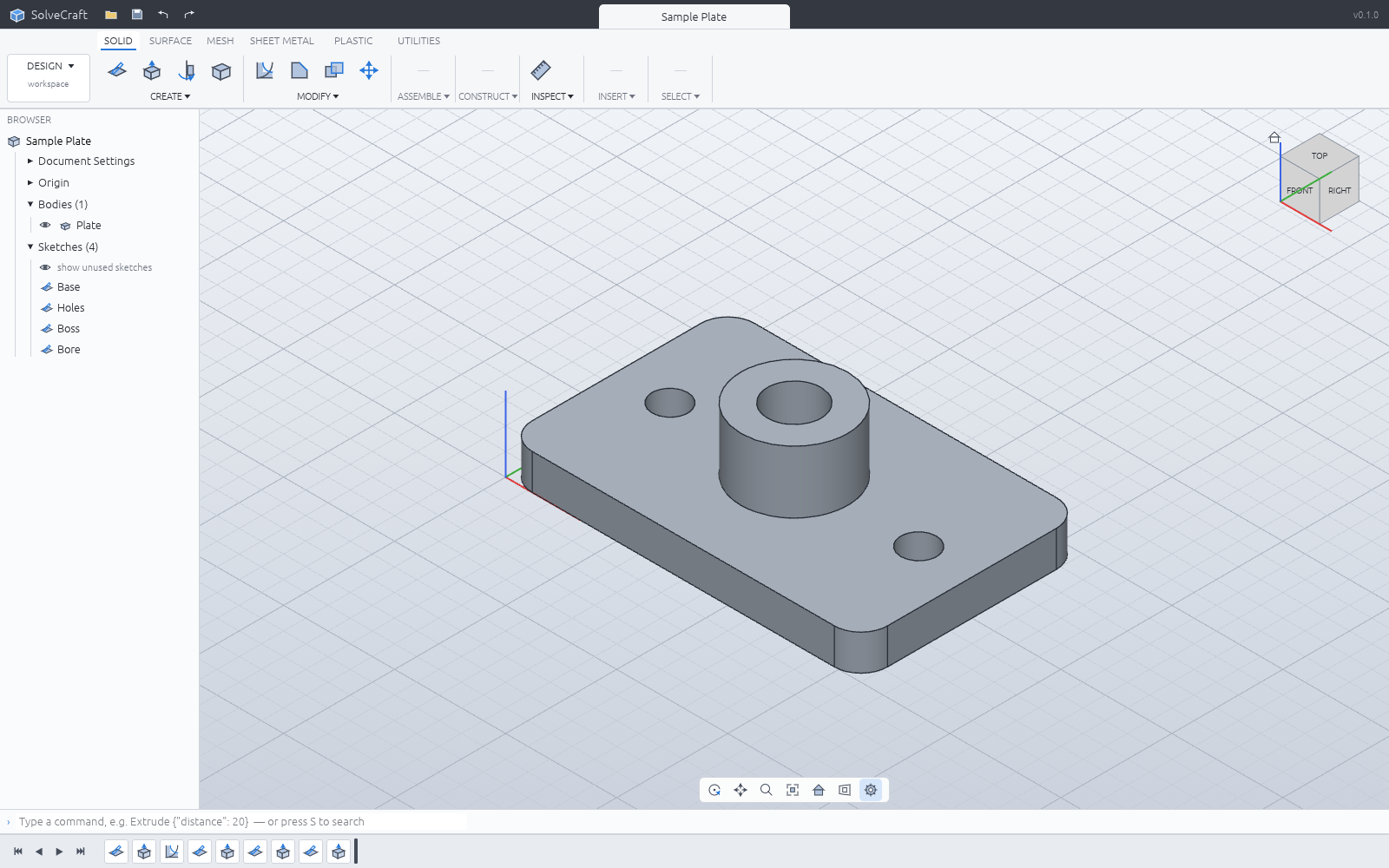
Edit features
in the timeline.
Extrude or revolve a sketch into a solid, then add features such as fillets and shells. Edit an earlier feature to rebuild the model.
Solid features & limitationsSupported operations.
The feature guide covers extrude, revolve, sweep, loft, fillet, chamfer, shell, patterns, and other supported operations. Features can be edited, suppressed, renamed, reordered, or deleted.
Supported geometry varies by operation. See the feature guide and issue tracker for known limitations.
Watch the enclosure demo03 / PARAMETERS
Named parameters
and configurations.
Give dimensions names, calculate values with expressions, and use configurations to store variations of a design.
Parameters & expressions guide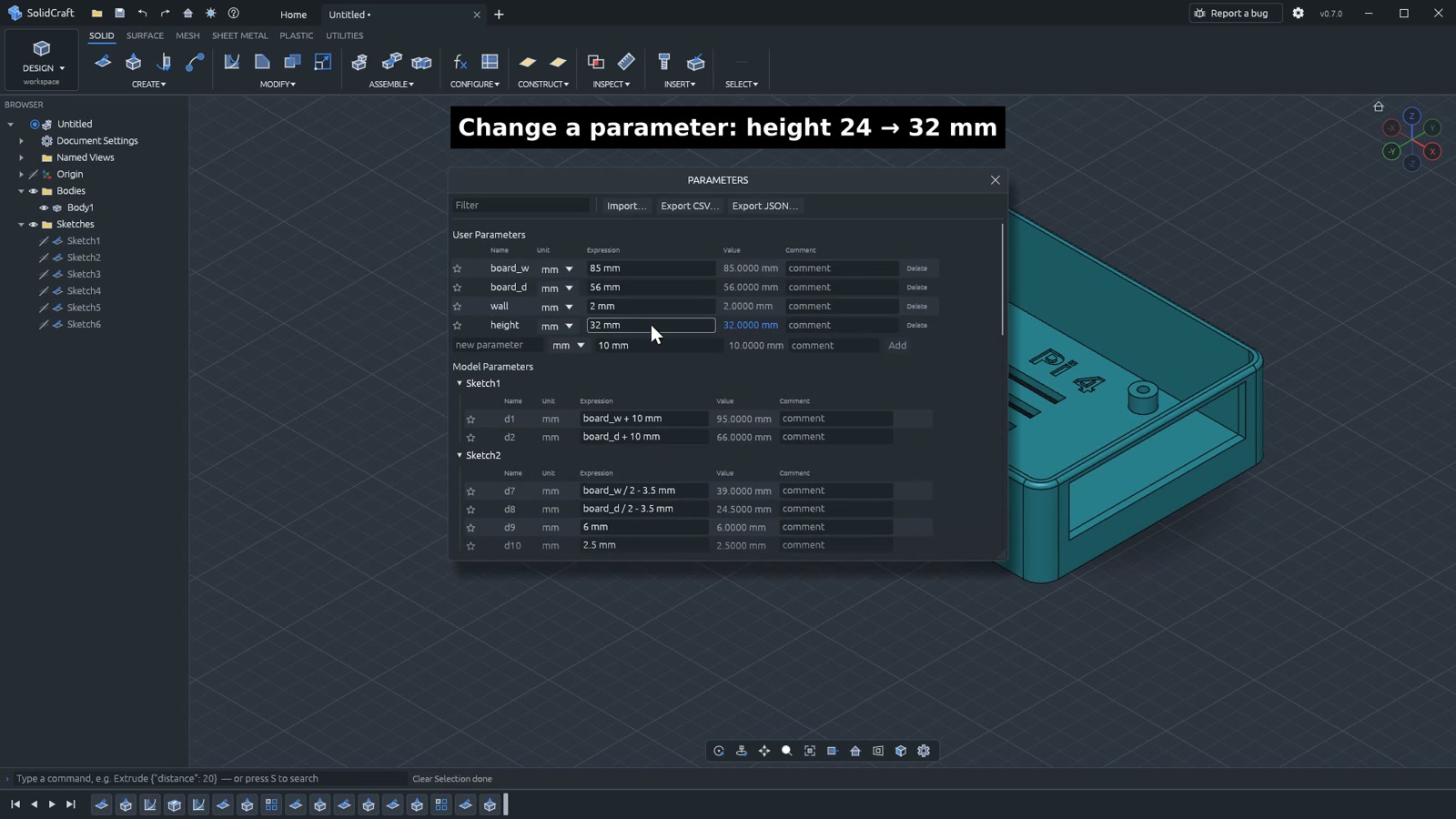
04 / ASSEMBLIES
Components and joints.
Organize components and occurrences, define joints, and inspect how parts fit into a larger design.
Components & joints guide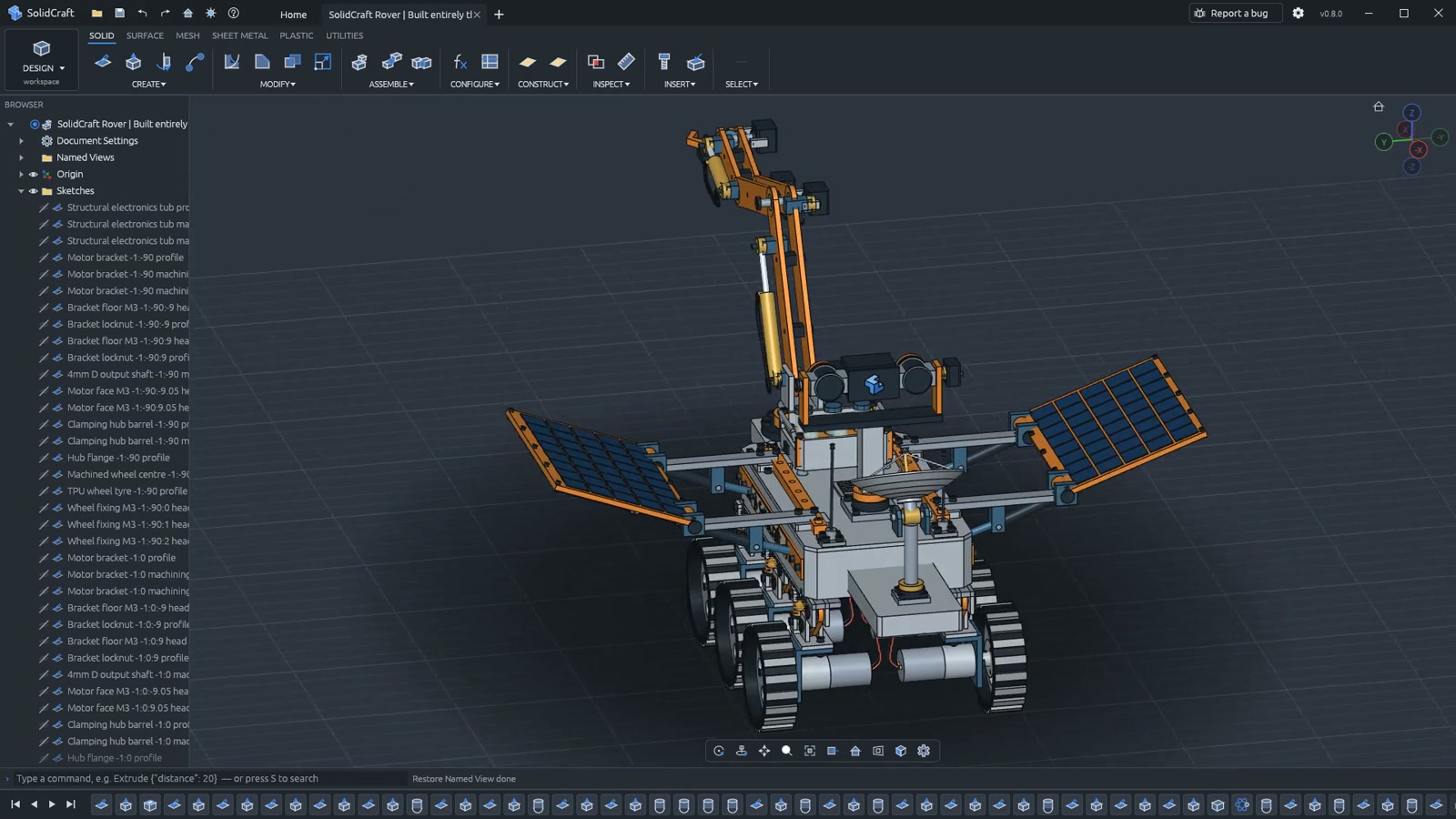
05 / SHEET METAL AND PLASTIC
Sheet metal
and plastic parts.
Work with rule-driven sheet-metal features and flat-pattern output, or use plastic-part tools for housing details.
Flat patterns and DXF export.
Sheet-metal workflows include flanges, hems, fold and unfold operations, flat patterns, and bend information. The v0.12.0 release adds improvements to flat-pattern DXF and conversion.
A flat pattern is a modeling result. Check material behavior, dimensions, tooling, and tolerances before fabrication.
06 / IMPORT AND EXPORT
Supported file formats.
Native files keep editable features and history. STEP and IGES carry geometry; mesh formats carry polygon meshes. Import and export support are listed separately below.
| Format | Import | Export | Representation | Scope & limitations |
|---|---|---|---|---|
| SolidCraft / JSON | Open | Save / export | Native design | Editable features, parameters, and history. File-version compatibility applies. |
| STEP | Import | Export | B-rep geometry | Imported geometry becomes a base feature; another CAD app’s original history is not restored. |
| IGES | Import | Export | B-rep / surfaces | Supported solids or surfaces sewn into solids. Review import limitations. |
| STL / OBJ / 3MF | Mesh bodies | Export | Mesh geometry | Imported meshes are not automatically editable solid features. |
| DXF | See guide | Flat pattern | Sheet-metal outlines | Flat-pattern output does not imply a general-purpose drawing editor. |
| URDF | Not listed | Export | Assembly description | Assemblies and joints for robot simulators; review the exporter’s scope. |
Based on documentation at revision 843c548 (October 15, 2026). Package compatibility has not been independently tested.
DOWNLOAD
Get SolidCraft.
Install the desktop app or use it in your browser.